How to Get Started Quilting with Cricut and Riley Blake
This content contains affiliate links or sponsored elements, read our Disclosure Policy.
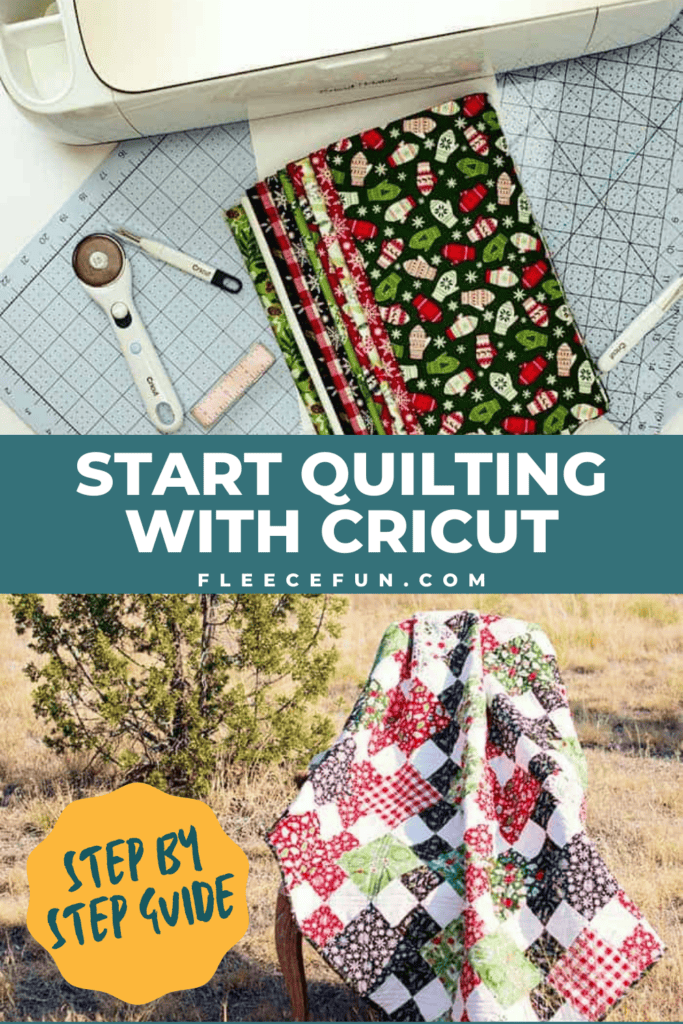
Quilting basics: How to get started quilting shows you an easy way to enter the fun world of quilting. This “quilt by numbers” approach removes a lot of the guesswork and stress, giving you a quick start guide for your first quilt.
Cricut sponsored this post and provided compensation, but I share my own opinions. I have to confess that quilting is something that I’ve been wanting to do more of. It is a true art form and a wonderful way to bring comfort to others. Quilting can be very intimidating. Figuring out which fabrics and patterns to use can be confusing for a novice. Then you need to do precise cutting and make sure all the elements line up properly before you get started quilting.
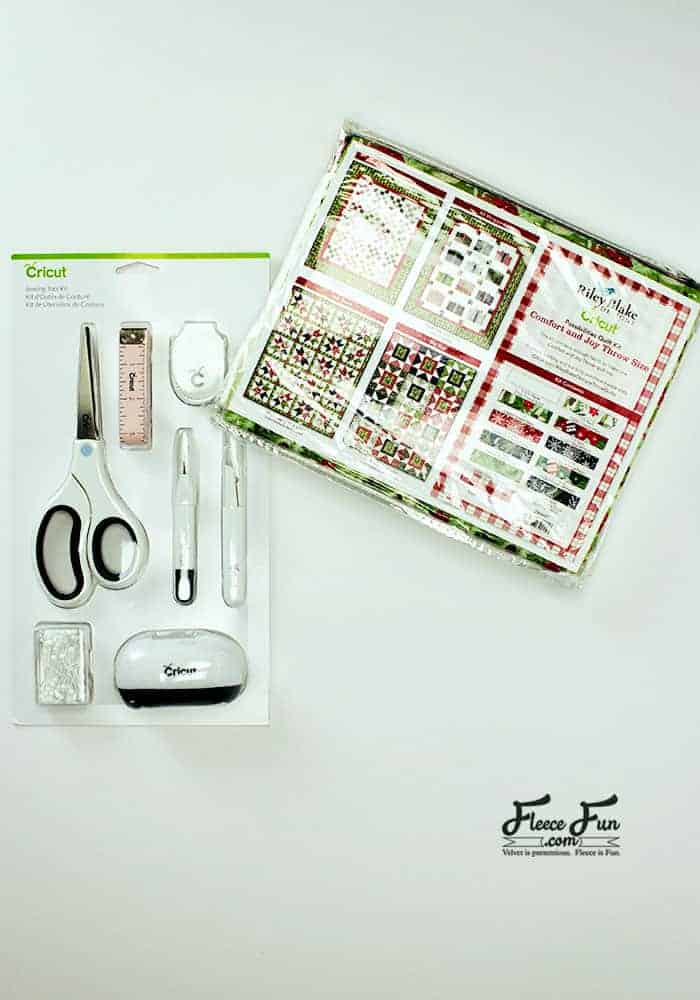
Cricut and Riley Blake
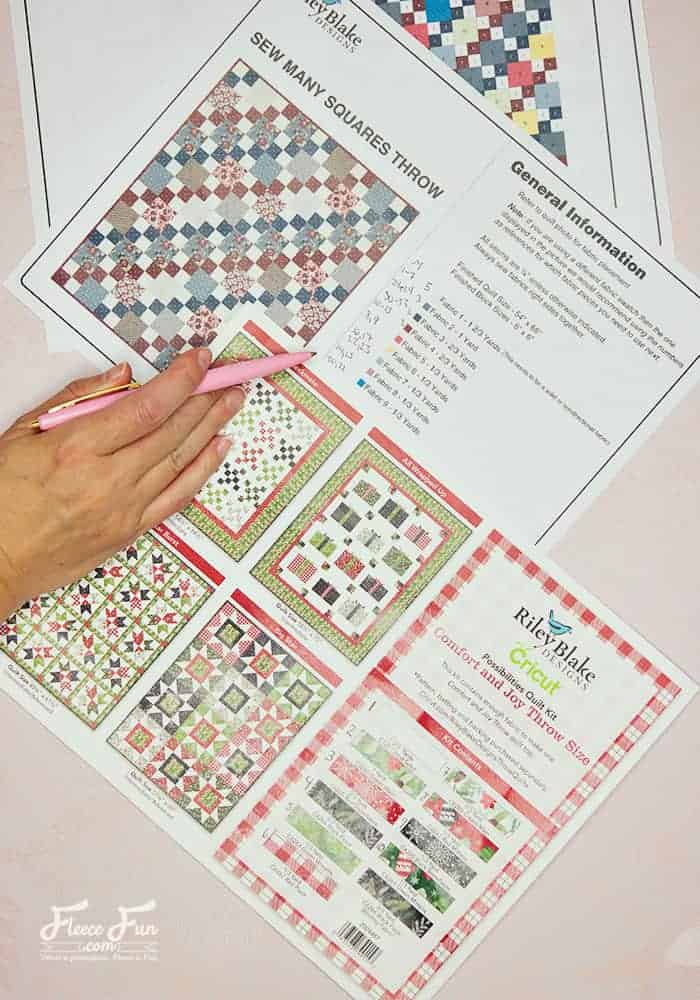
It has taken a lot of the guesswork out of quilting—perfect for someone like myself who doesn’t quilt a lot. Riley Blake has these wonderful packaged fabric kits that take the guesswork out of getting coordinating fabrics (and the right amount of fabric) for a quilt. I chose to work with the “Comfort and Joy” quilt, and I’m so excited to have a cute quilt to pull out every year for Christmas!
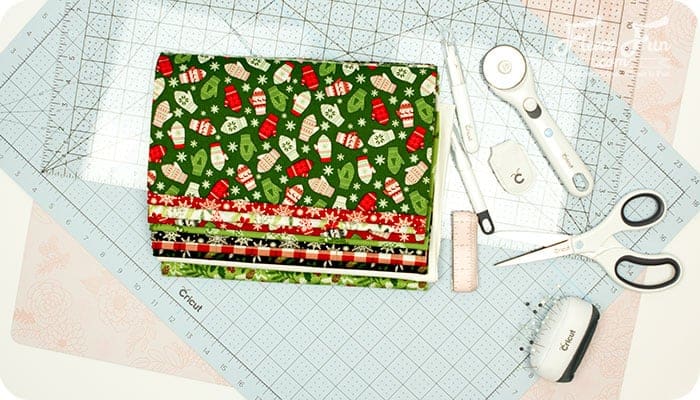
Riley Blake also has several quilt patterns in Cricut Design Space that work with the packaged fabric kits. The design that I chose to work with is the “Sew Many Squares” pattern. Several squares of different sizes come together beautifully to create this pattern.

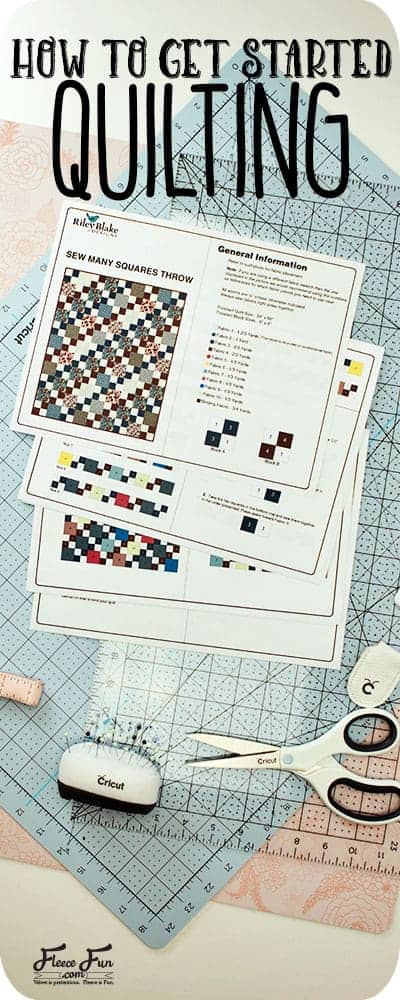
It comes with clear instructions in PDF form that you can print out. I strongly recommend that you print it out so you can make notes on it while you work, helping you keep track of the process.
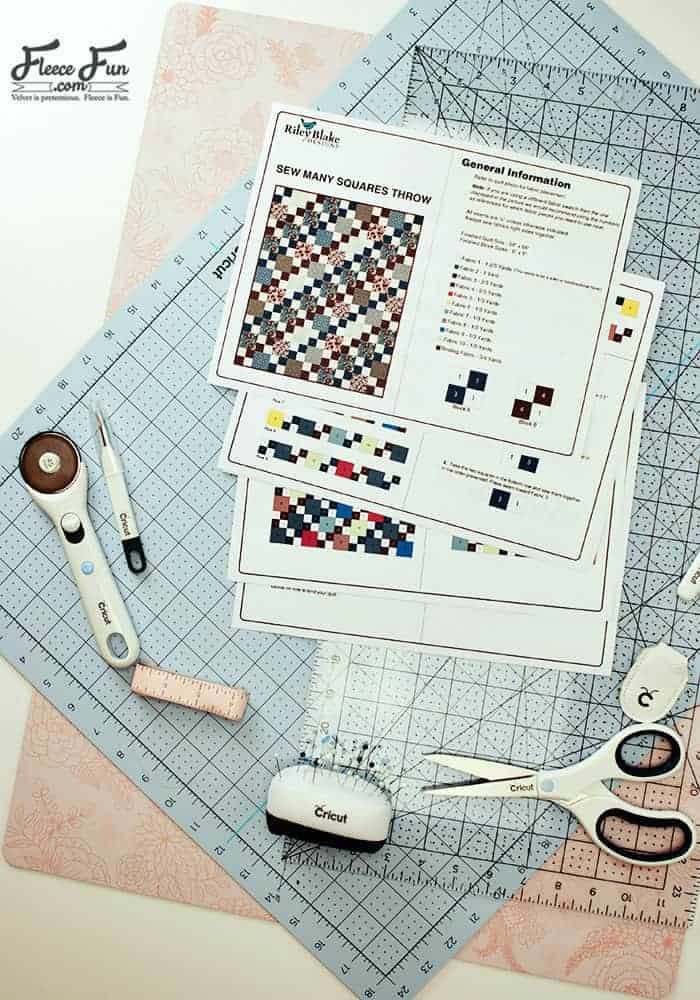
Once you choose your fabric and quilt fabric, gather a few more supplies so you can start quilting.
YOU WILL NEED:
- Cricut Maker with a Rotary blade
- One Riley Blake Fabric Kit
- Quilt batting
- Fabric for the Quilt Backing (see pattern for correct amount)
- Cricut’s Rotary Cutter Ruler and Mat (to make prepping the fabric fast and easy)
- 12 by 24 Fabric Mat (at least two to make it easier)
- Brayer (not necessary but a nice way to make sure the fabric is secure on the mat)
- Quarter inch sewing foot (not necessary but makes things easier)
- Iron
- Sewing Essentials (scissors, pins, etc.)
- Access to Cricut’s Design Space
- Printed up PDF of the Desired Quilt Pattern

How to Get Started Quilting with Cricut and Riley Blake
Step 1 – Match up the fabrics with the pattern
When it comes to success with quilting, organization is key. To make sure that I could keep the pattern straight, I took the paper in the kit and labeled the fabrics with the appropriate numbers so I could keep them straight.
Step 2 – Know what gets cut and when
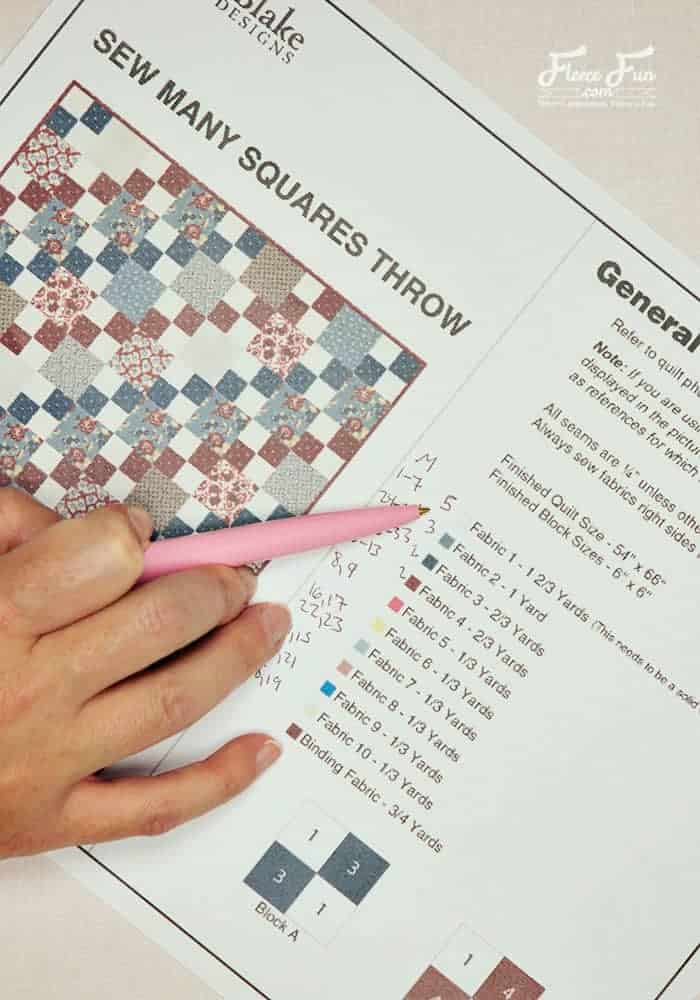
I then labeled the amounts I would need to go on the fabric mat, and the mat number that the Cricut Maker would cut it on. I double-checked my work to make sure I was cutting the right fabric at the right time.
Step 3 – Prep the Fabric to get Started Quilting
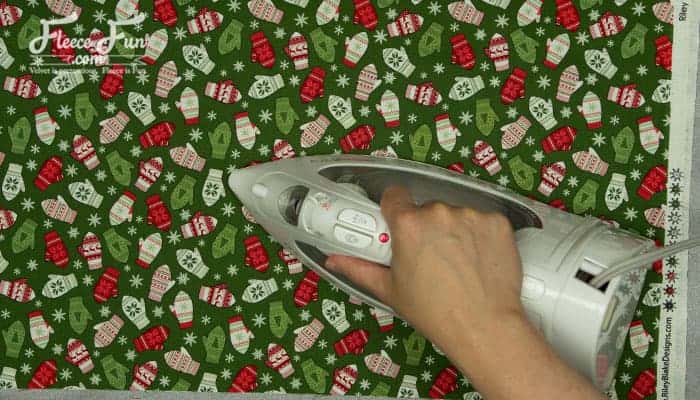
Next, you’ll want to get all the wrinkles out of the fabric before trimming it to size and cutting. Since the fabric came folded from the package, take a moment to iron all your pieces.
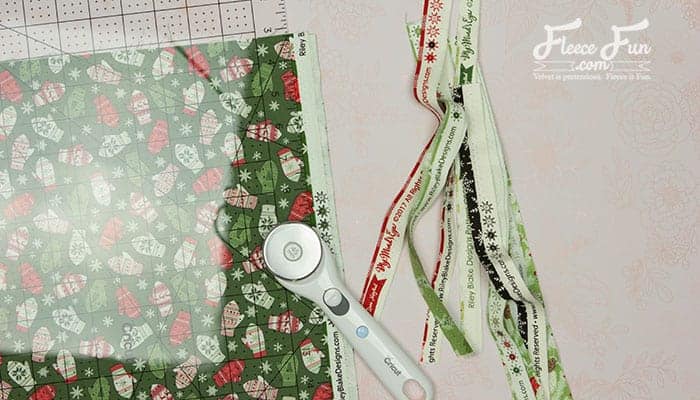
Then, using the handy ruler that just happens to be the perfect size for the mat, I cut the fabric to the correct sizes.

Note
In the pattern, it says WOF – this stands for Width of Fabric, meaning that you don’t cut the fabric to the exact size of the mat.
Quick Tip
Be sure to trim off the selvage, as there will be excess that runs along the length of the mat. This helps conserve fabric and lets it stretch (you might even be able to get a second cute little project out of it!).
Next part in this series, I’ll get into cutting out the quilt top! That’s how to get started quilting!
Ready to move one to cutting out all those squares? Here’s the post where I show you how to do that!
I wrote this sponsored conversation on behalf of Cricut. The opinions and text are all mine.
Do you want to Get Started Quilting? see More Cricut Crafts & Tips!
- Cricut Maker for Beginners: Easy Party Decor
- Your Top 3 Cricut Maker Questions Answered
- Cricut Maker Cover Tutorial
- 3 Last Minute Gifts with a Cricut Joy
- How to Use JPEGs to Make a T-Shirt in Cricut Design Space
- 25 Personalized Gift Ideas Using Cricut Tools
- How to Get Started Cutting a Quilt with Cricut
- Is It Time to Upgrade Your Cricut Machine?
- Luggage Tag DIY with Cricut
- How to Decorate a Notebook
More Cricut Projects!
- DIY Disney Savings Jar
- St. Patrick’s Day Ombre Shadow Box
- DIY Birthday Crown (Free PDF & SVG)
- Freezer Paper Stencil for T-Shirts Tutorial
- See all of FleeceFun’s Cricut Tutorials!