Acorn Template (Free JPEG / PDF file)
This content contains affiliate links or sponsored elements, read our Disclosure Policy.






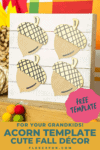

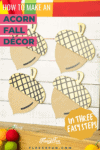
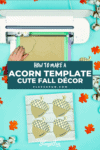
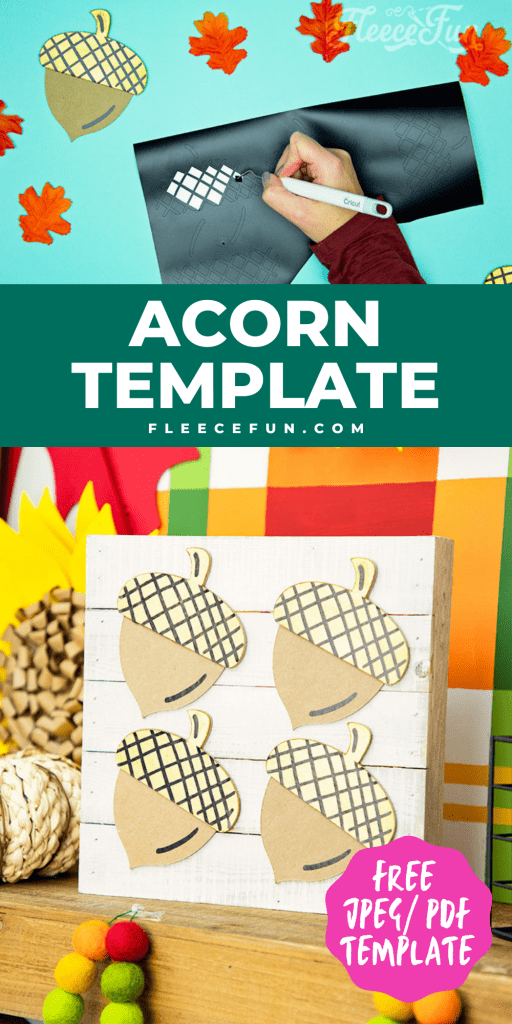
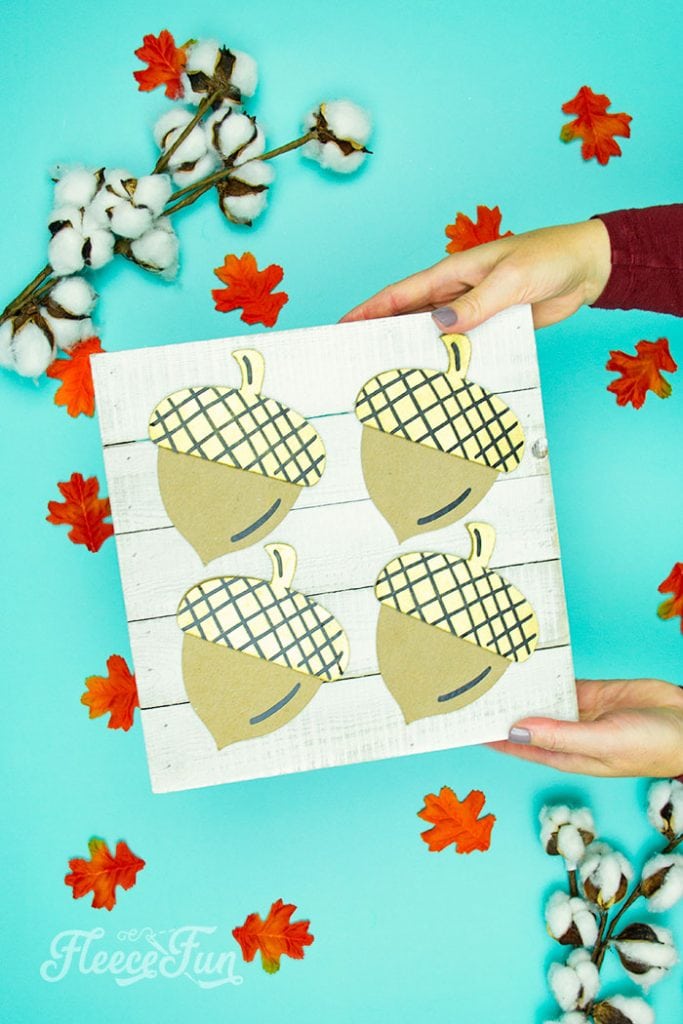
This Free Acorn template is the perfect little helper for making cute fall décor! The files come in JPEG and PDF so you can print up a template or upload it to Cricut Design Space. I’m going to show you just one of the ways you can use this template – but this versatile Acorn template can be used in many ways.
Hate The Ads?
This pattern with video, SVG Files and printable instructions is available in the Makers Studio. The Maker’s Studio is an ad free experience, no video ads, no forms, no zip files, just creating.

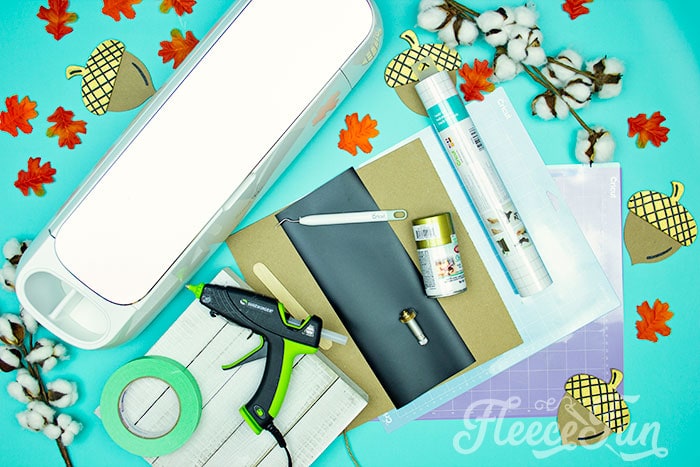
YOU WILL NEED:
- Cricut Maker
- Cricut Knife Blade
- Fine Point Blade
- LightGrip Mat
- StrongGrip Mat
- Exacto knife
- Chip Board
- Masking tape
- Gold Paint
- Black Permanent Vinyl
- Transfer Tape
- Glue Gun and Glue Sticks
- a 12″ wood blank
- Get the free Template here.
Gather your materials.
Acorn Template (Free JPEG / PDF file) Instructions:

Step 1 – Cut Out The Acorn Pieces
I’m using my Cricut Maker to cut out the Acorn Templates. I load the JPEGs into Design Space and make sure that they are ready to go.
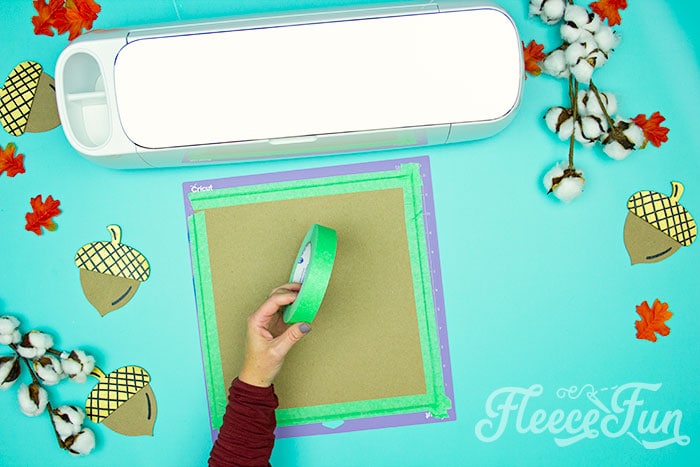
Tape the chipboard to the StrongGrip to stabilize the material.
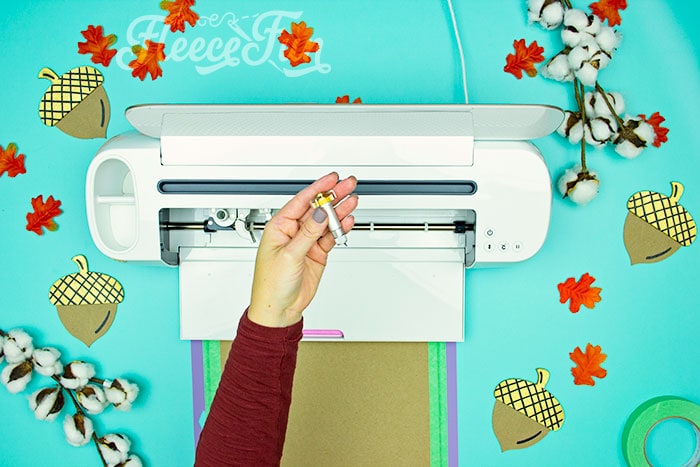
Switch to the Knife Blade.
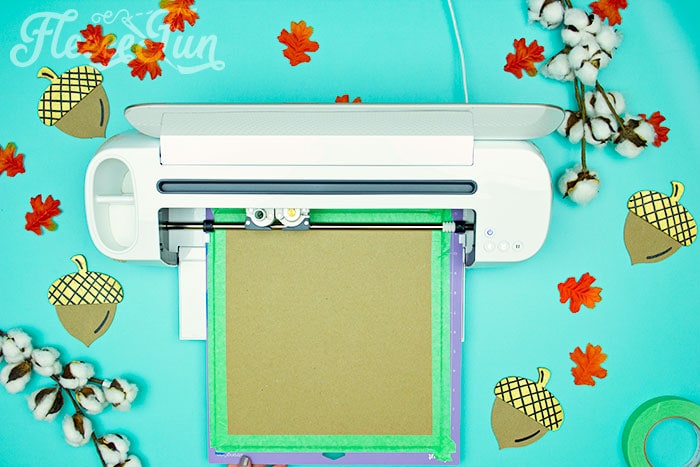
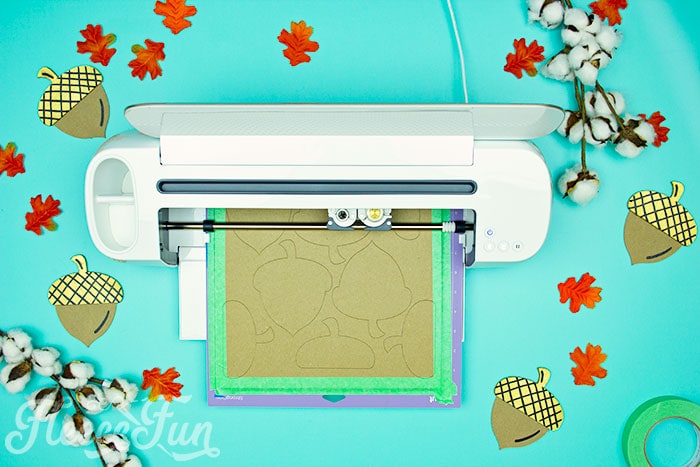
Move the Star Wheels over to the right and begin to cut out the Acorn base and top. Depending on how many you cut it can take up to 30 minutes.
If you aren’t using a die cut machine simply print up the PDF templates, cut out and trace onto chipboard.
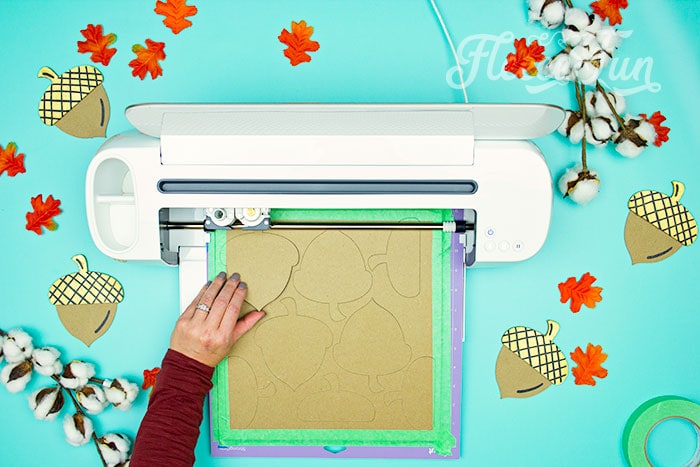
Before unloading the chipboard from the machine make sure that it doesn’t need an extra pass.
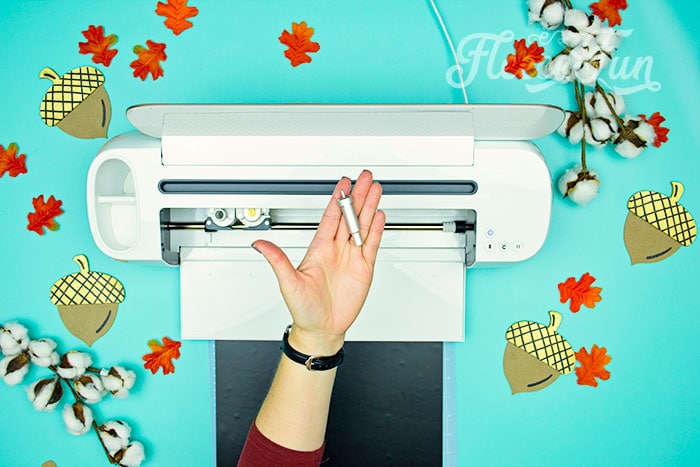
Switch out to the Fine Point blade.
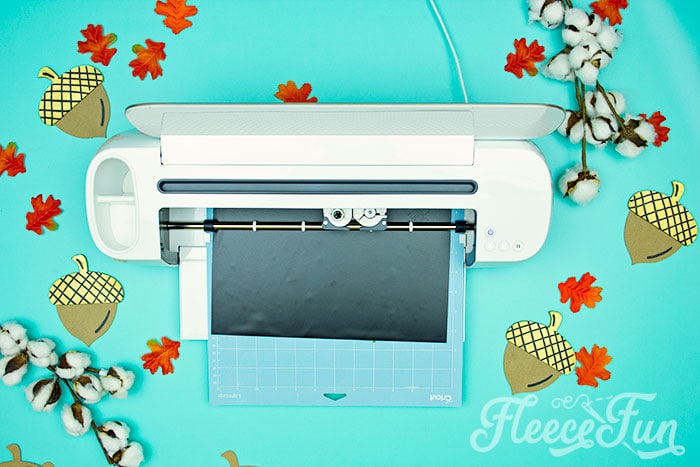
Cut out the Acorn Details from permanent vinyl.
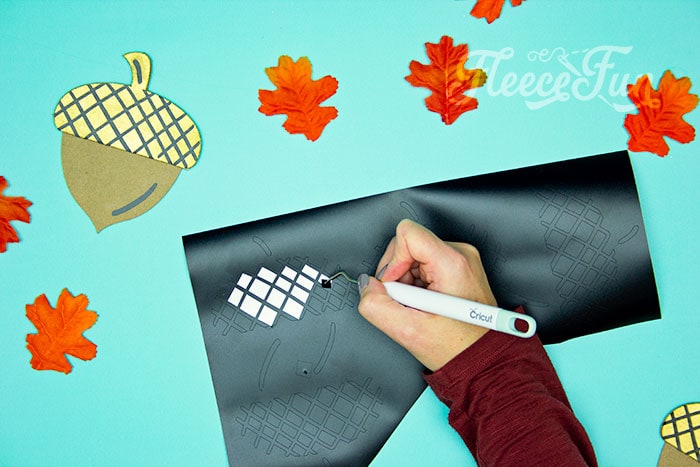
Once cut, weed the vinyl.
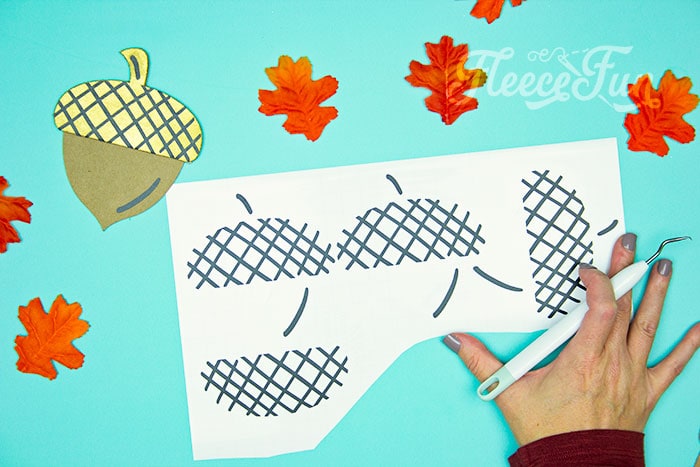
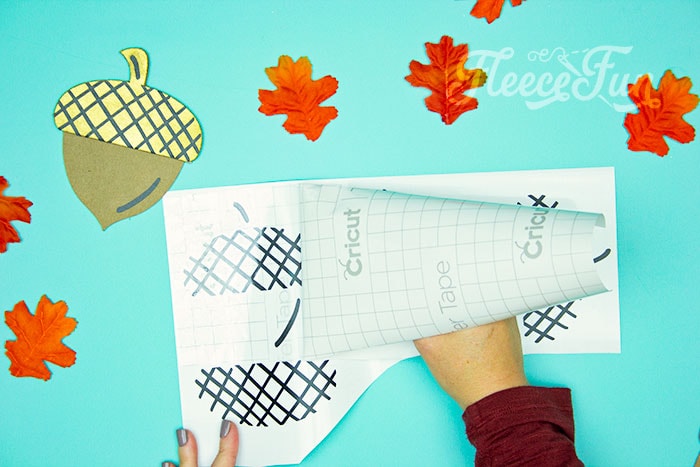
After all the vinyl is weeded, add the transfer tape.
If you aren’t using a machine another option is the mimic the pattern by drawing the lines on yourself at a later step.
Step 2 – Paint Your Acorn Template and Add Details
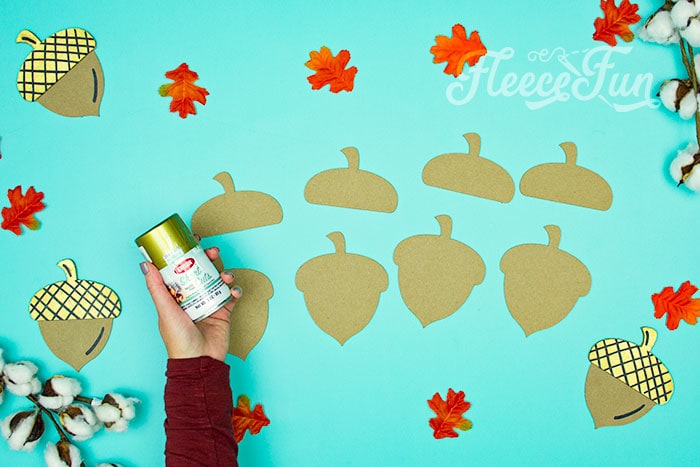
I like the color of the chipboard for the Acorns – so I’m going to leave the base as it is. But for a fun pop I’m paining the Acorn Tops gold. Paint the Acorns as desired and allow time for them to dry completely.
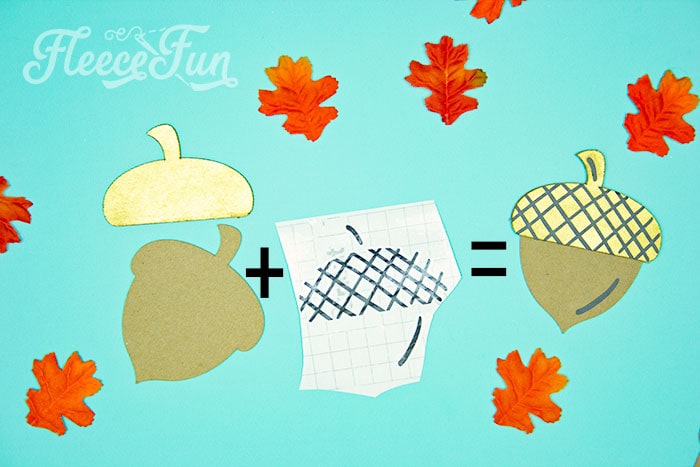
This is what makes a complete acorn.
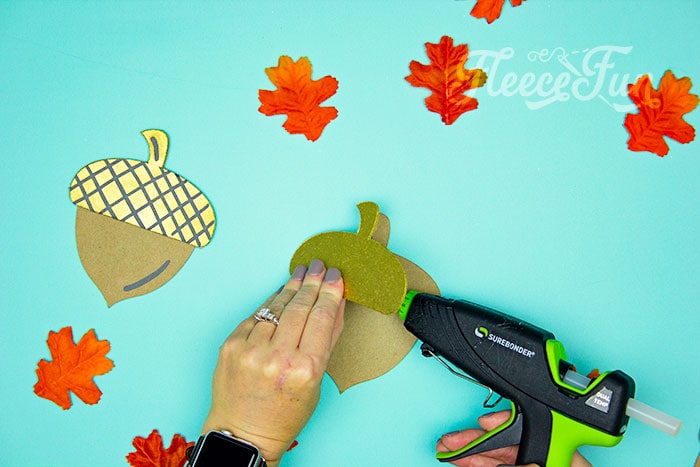
Glue the tops to the base. Simply line up the stems.
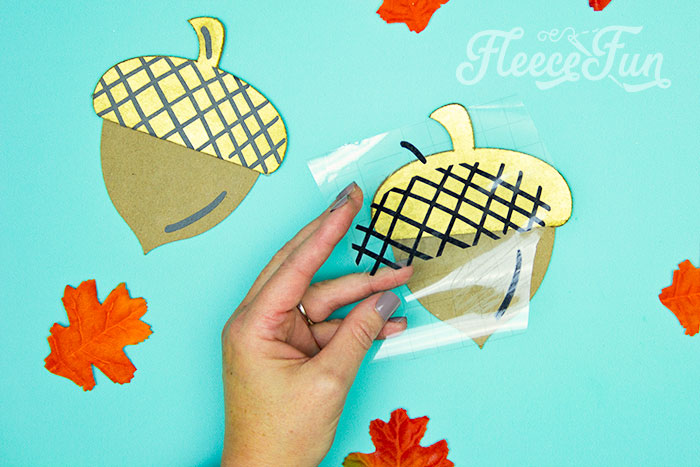
Once the top is glued and the glue has cooled add the vinyl details via the transfer tape.
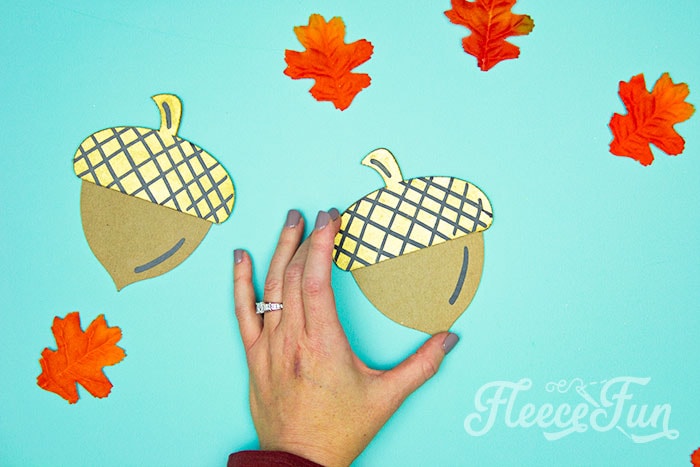
Rub the vinyl on to make sure it’s well attached.
Step 3 – Add the Acorns to the Blank
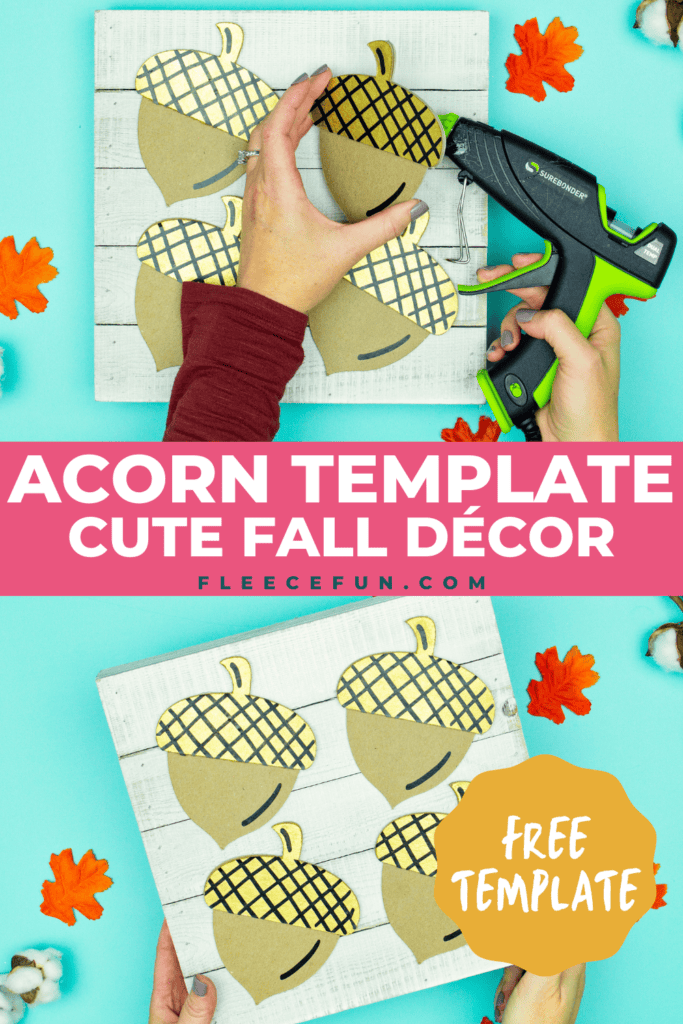
There are many ways you can use this template. It can be garland, place cards, class room décor. Today I’m going to show you one simple way you can use it.
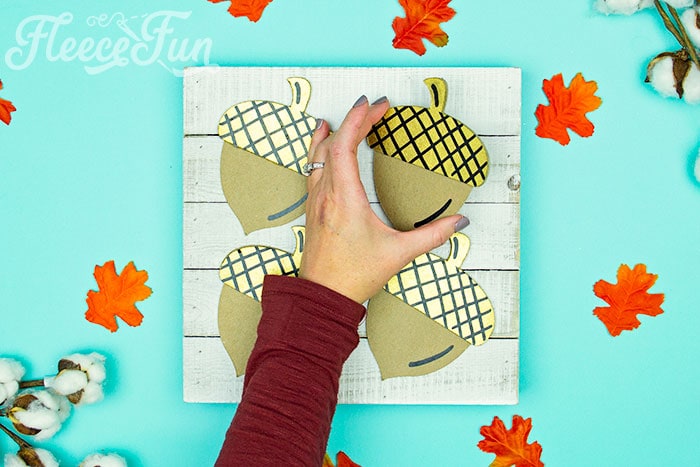
Taking the Wood blank layout the Acorns in a pleasing way. Play with it until you find what works.
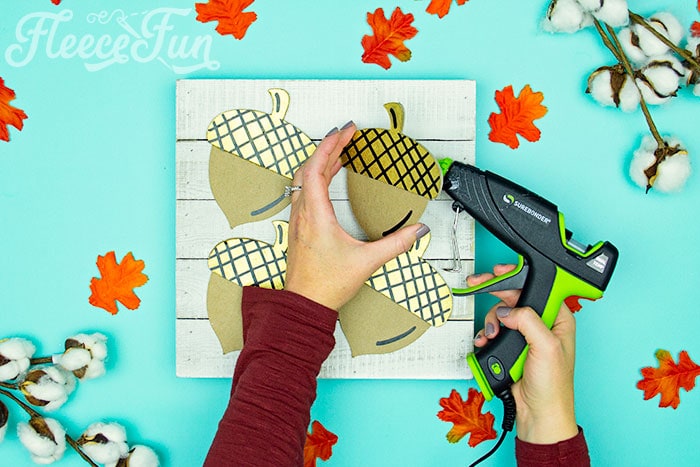
Once you are happy with your pattern glue the fall acorns into place.

That’s it for the Acorn Template DIY!
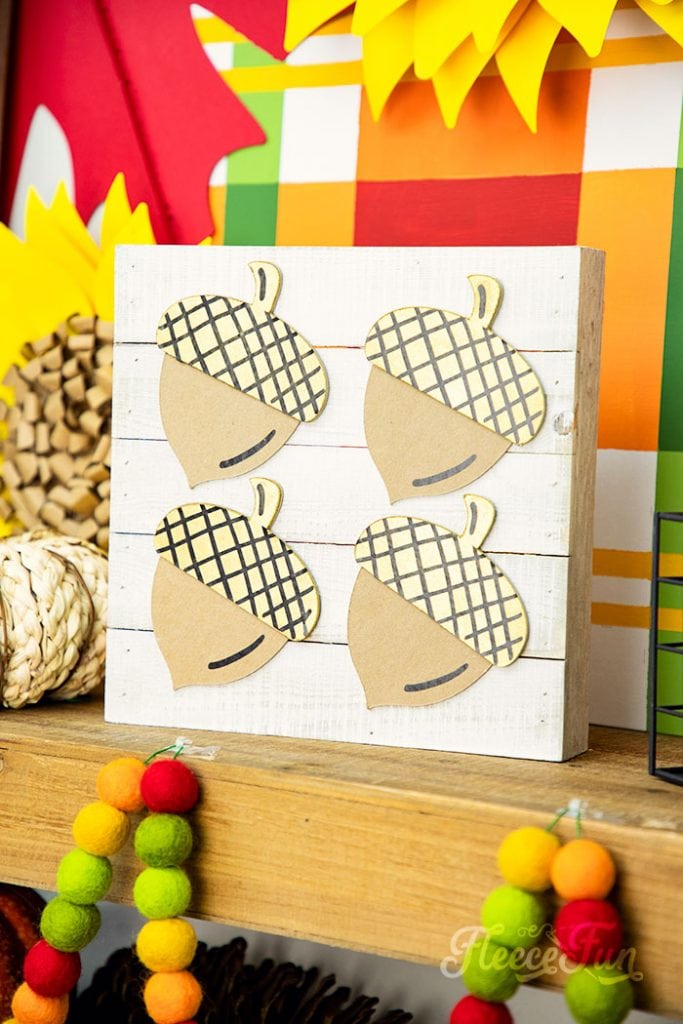
Download the Free Acorn TEMPLATE Here
You can get a free copy of Adobe reader here. By downloading you are agreeing to pattern terms of use. Click on the image below to download the .pdf !

Thanksgiving tutorials you might like:
- Giant Maple Leaf Template DIY
- Fall Tier Tray Décor (free SVG)
- Give Thanks Platter Decor
- Gather Banner DIY (Free SVG Files)
- Giant Paper Sunflowers
- Felt Sunflower DIY
- Free “Thankful” printable banner
- Pin the Tail on the turkey game DIY
- Thankful for Cake Toppers
- Fall Topiary Trees Craft
- Thanksgiving Printable to frame
- See All of the Thanksgiving Projects Here
Creative Sewing & Cricut Projects You’ll Love!
- DIY Placemats for the Holidays
- How to Sew a Quilt the Easy Way
- DIY Custom Sewing Labels
- Felt Valentine Envelope DIY (No Sew)
- DIY Matching Game
- DIY Birthday Crown (Free PDF & SVG)
- Freezer Paper Stencil for T-Shirts Tutorial
- Tips for Working with Iron-On Mesh
- DIY Tiara (Free Pattern & SVG)
- How to Make a Knight Helmet (Free Template)
More Cricut Projects!
- Cricut Maker Cover Tutorial
- 3 Last Minute Gifts with a Cricut Joy
- DIY Felt Flower Art
- Valentine Cozy Home Sign DIY
- See all of FleeceFun’s Cricut Tutorials!